How to Accept Online Payments for Appointments (2026 Guide)
By Calvy Team · June 27, 2026
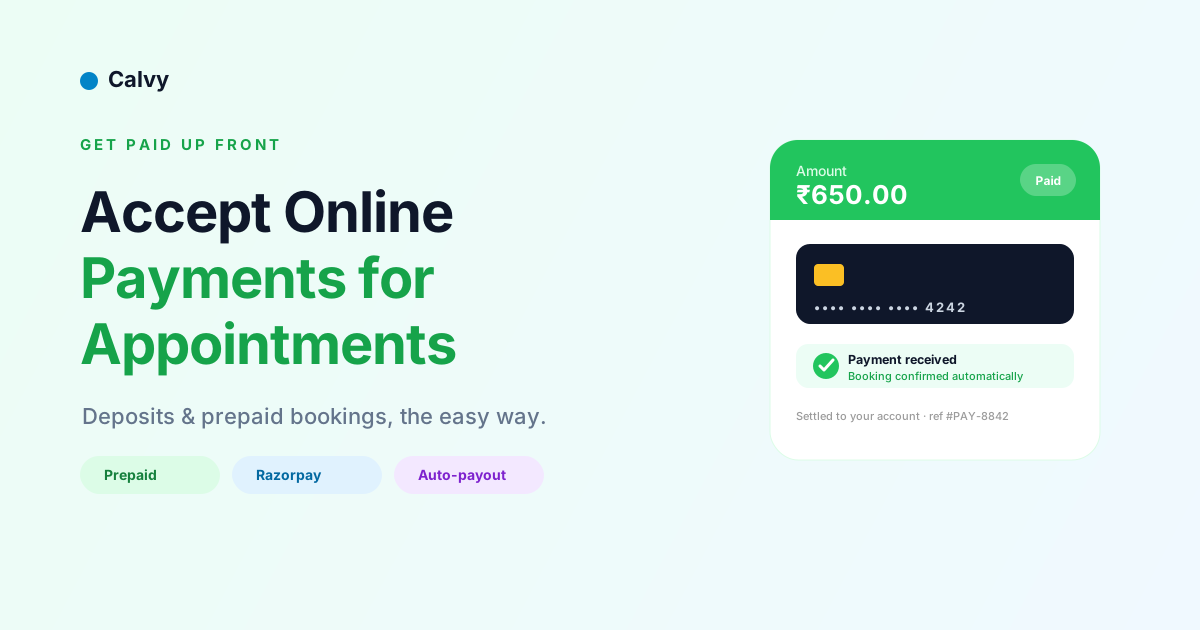
Taking payment when a client books — instead of chasing it later — changes your business. It protects your time, smooths your cash flow, and slashes no-shows. Here's a practical guide to accepting online payments for appointments, what it costs, and how to set it up.
Why collect payment at booking?
- Fewer no-shows. People show up for what they've paid for. Even a small deposit changes behavior.
- Better cash flow. Money lands when the booking is made, not days later.
- Less admin. No invoicing, no chasing, no card machine at the counter.
- A more professional experience. Clients get an instant receipt and confirmation.
Prepaid vs postpaid: which should you use?
There are two models, and most booking tools let you choose:
- Prepaid — the client pays online at the moment they book. Best for no-show protection and high-value services.
- Postpaid — the client books for free and pays at the visit. Best when you're getting started or your clients expect to pay in person.
A common setup: prepaid (or a deposit) for new clients and premium services, postpaid for trusted regulars. (More in Prepaid vs postpaid bookings.)
How online appointment payments work
- A client picks a service and time on your booking page.
- They're sent to a secure payment page (card, UPI, netbanking, wallet).
- Once paid, the appointment is confirmed automatically and both of you are notified.
- Funds are settled to your account on your provider's schedule.
No card machine, no manual invoicing — it's all built into the booking flow.
Setting it up with Razorpay
Most India-based booking tools use Razorpay to collect payments. To enable it:
- Create a Razorpay account (test mode is fine to start).
- Add your bank/KYC details in your booking tool's payout settings.
- Switch your booking mode to prepaid (or enable deposits).
- For automatic settlement to your bank, set up Razorpay Route. (See Connecting Razorpay and automatic payouts.)
What it costs
You'll pay a small per-transaction fee to the payment provider (Razorpay's standard domestic rate applies). The booking software may be free or a flat monthly fee — so the only variable cost is the processing fee, which the reduced no-shows usually more than cover.
How Calvy handles payments
Calvy has payments built in. Clients can pay online when they book, the appointment confirms itself, and you can even get automatic payouts to your bank via Razorpay Route — no manual withdrawals. You choose prepaid or postpaid per your business.
Start collecting payments
If no-shows or late payments are costing you, online payments are the fix. Turn them on, ask for a deposit on your next booking, and you'll feel the difference within a week.
Set up your booking page with payments for free.
Frequently asked questions
What is the easiest way to take payments for appointments?
Use a booking system with built-in payments. When a client books, they're sent to a secure payment page; once they pay, the booking is confirmed automatically — no card machine or invoicing needed.
Should I charge full payment or a deposit?
Either works. Full prepayment maximizes no-show protection; a partial deposit lowers friction for new clients while still committing them. Many businesses use deposits for first-timers and prepayment for high-value services.
How much do online payments cost?
You typically pay a small per-transaction fee to the payment provider (for example, Razorpay's standard domestic rate). The booking software itself may be free or a flat monthly fee.
Do clients need an account to pay?
No. Clients pay as guests on a secure checkout — no account or app required. They just enter their card or use UPI.